|
Nov 20 2025
|
|
Debian Bookworm (oldstable) or Bullseye (oldoldstable)
|
|
1 On the host : Open a terminal.
|
|
2 Update the package lists.
|
|
sudo apt update
|
|
3 Install the Debian fasttrack signing key.
|
|
sudo apt install --no-install-recommends fasttrack-archive-keyring
|
|
4 Add the Debian fasttrack repository.
|
|
echo 'deb https://fasttrack.debian.net/debian/ bookworm-fasttrack main contrib non-free' | sudo tee /etc/apt/sources.list.d/fasttrack.list
|
|
5 Add Debian the backports repository.
|
|
echo 'deb https://deb.debian.org/debian bookworm-backports main contrib non-free' | sudo tee /etc/apt/sources.list.d/backports.list
|
|
6 Update the package lists again.
|
|
sudo apt update
|
|
7 Install VirtualBox and Linux kernel headers.
|
|
sudo apt install --no-install-recommends virtualbox-qt linux-headers-$(dpkg --print-architecture)
|
|
8 Add your current user to group vboxusers.
|
|
sudo adduser $(whoami) vboxusers
|
|
9 Done.
|
|
You just installed virtualbox. Next we'll download the whonix virtual machines here.
|
|
See here for instructions on how to import the whonix virtual machines.
|
|
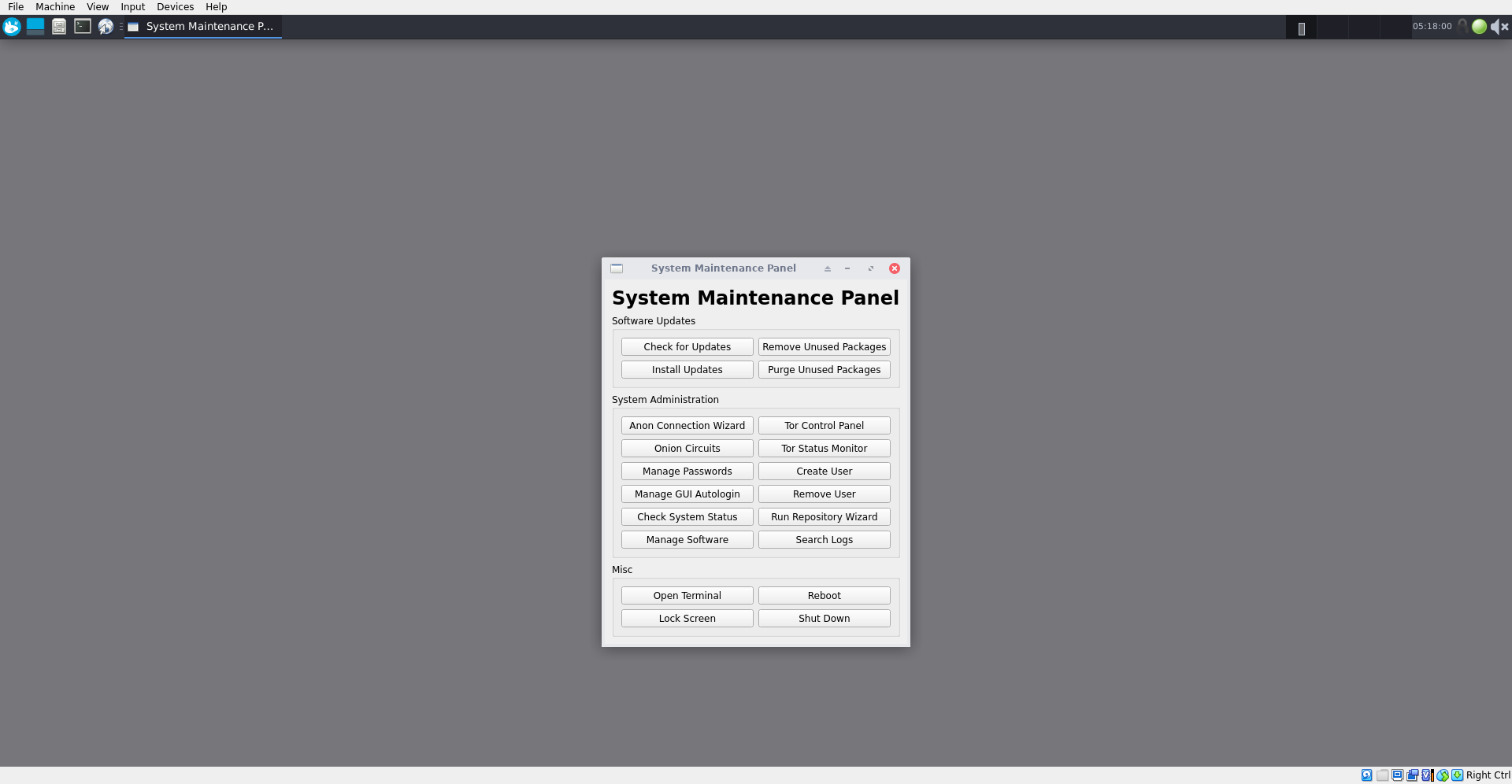
Boot the gateway. Select Tor Control Panel. Choose your bridge type. Update/upgrade:
|
|
upgrade-nonroot
|
|
|
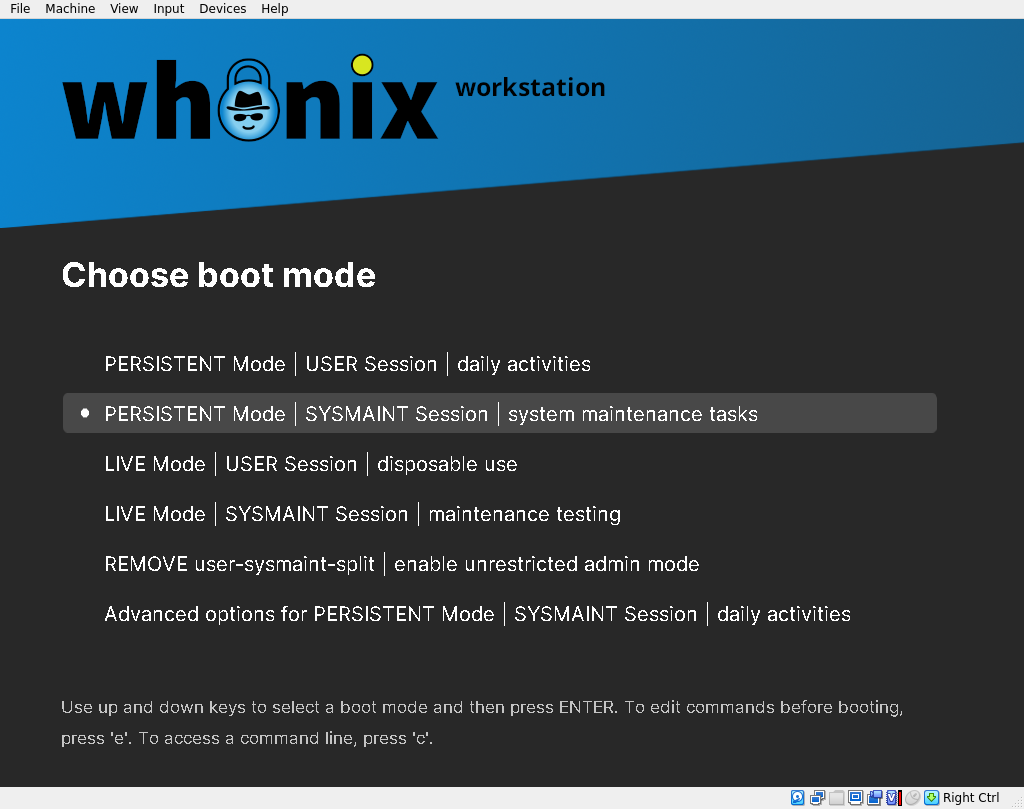
Boot gateway and workstation. Update/upgrade workstation using 'SYSMAINT session'.
|
|